PKI Workshop – Enterprise Public Key Infrastructure & Microsoft AD CS
Master enterprise PKI through practical training in Certificate Authority deployment, certificate management, security hardening, and advanced troubleshooting.
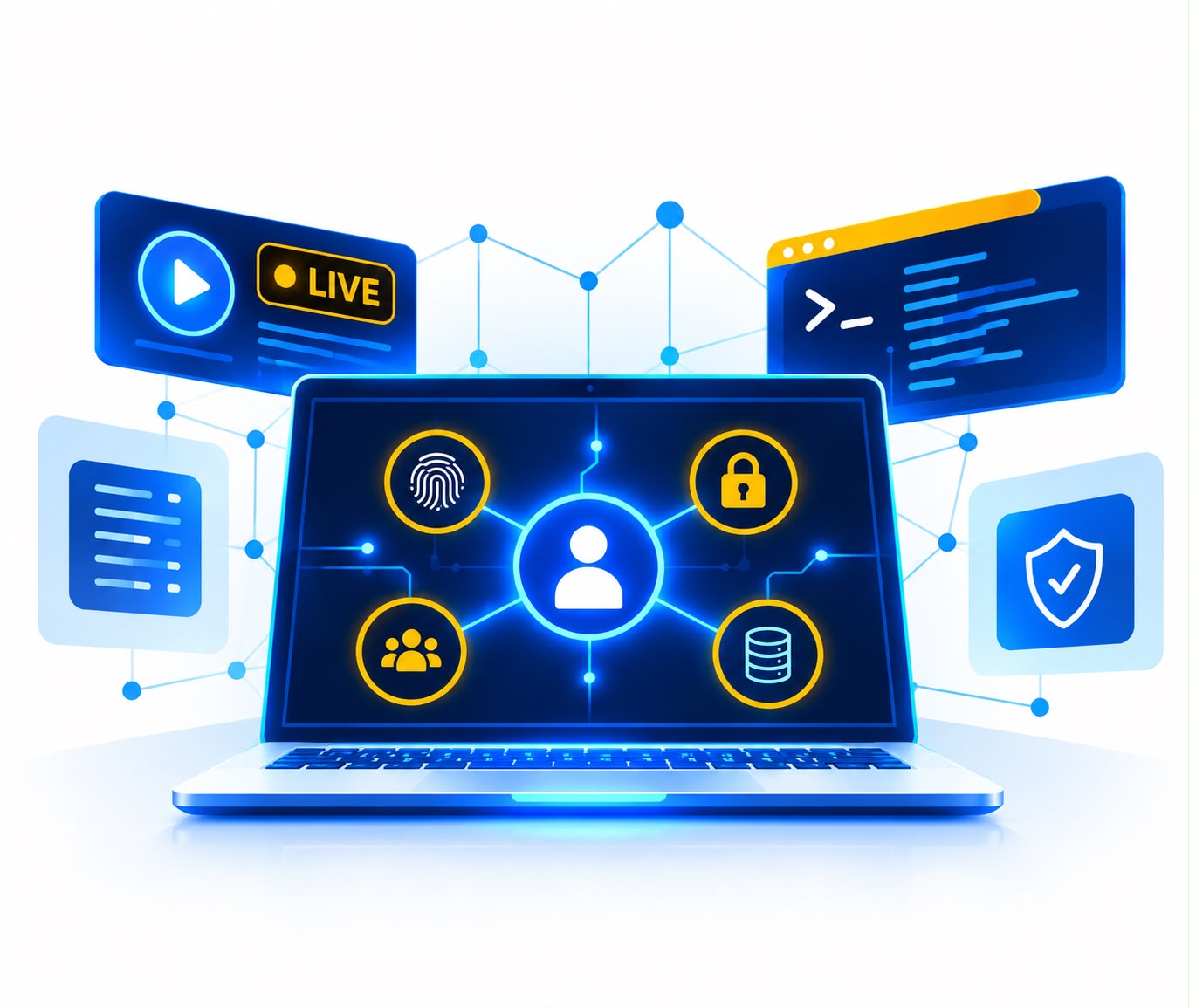
Enterprise PKI
CA Architecture & Deployment
Certificate Management
X.509, Templates & Enrollment
PKI Security
Hardening & Trust Management
Advanced Troubleshooting
certutil, certreq & NDES
Upcoming Batch
Batch date
Batch Timing (IST)
Duration
Mode
24th October
7:00 PM – 11:00 PM
12 Hours
Live Online
14th November
7:00 PM – 11:00 PM
12 Hours
Live Online
Course Overview
The PKI Workshop is a practical, instructor-led training program designed to help IT and cybersecurity professionals understand, deploy, manage, secure, and troubleshoot enterprise Public Key Infrastructure (PKI).
This intensive 16-hour training takes participants from PKI and cryptography fundamentals to enterprise Certificate Authority architecture, certificate management, Auto-Enrollment, revocation, OCSP, NDES, backup and recovery, and advanced troubleshooting.
✓ 16 Hours of Intensive, Expert-Led Training
✓ Hands-On Learning with Real-World PKI Scenarios
✓ From PKI Fundamentals to Advanced Administration
✓ Practical Skills in Enterprise Certificate Services
✓ Certificate Authority Deployment, Security & Troubleshooting
Key Highlights
Live Instructor-Led PKI Training
Hands-On Microsoft AD CS Implementation
Two-Tier & Three-Tier CA Architecture
Certificate Templates & Auto-Enrollment
CRL, AIA & OCSP Configuration
Root CA & Issuing CA Deployment
NDES Deployment & Configuration
PKI Backup, Recovery & Migration
Troubleshooting with Certutil & Certreq
Skills You’ll Learn
PKI & Cryptography
Build a strong foundation in encryption, hashing, keys, digital signatures, and certificate trust.
Digital Certificates & X.509
Understand X.509 certificates, key usage, validity, certificate attributes, and trust chains.
Enterprise CA Architecture
Design two-tier and three-tier CA environments with Offline Root and Online Issuing CAs.
Certificate Enrollment & Validation
Manage certificate templates, Auto-Enrollment, CRL, CDP, AIA, and OCSP.
PKI Operations & Security
Handle CA backup, recovery, migration, private-key protection, role separation, and security auditing.
NDES & PKI Troubleshooting
Configure NDES for network devices and Troubleshoot PKI issues using certutil and certreq.
Why Choose WisemanCyberSec

Start Your Cybersecurity Career with Confidence
Personalized Learning Experience
We keep our batch sizes limited to just 5–7 students to ensure highly interactive sessions, personalized mentorship, and proper one-to-one attention for every learner.
Flexible Redo & Retake Option
Missed a session due to work or personal commitments? No worries. Students can redo missed sessions with upcoming batches and continue learning without interruption.
LMS Access with Recorded Sessions
Get access to our dedicated LMS platform with recorded sessions, helping you revise concepts anytime and learn at your own pace whenever needed.
Continuous Post-Training Support
Our support continues even after training completion through dedicated community groups, regular communication, study resources, and continuous mentor guidance.
Join an Active Cybersecurity Community
Become part of a growing cybersecurity community with access to weekly discussions, masterclasses, expert sessions, podcasts, and networking opportunities beyond your domain.
Learn from Real Industry Experts
All our instructors have strong real-world industry experience and hands-on practical exposure, helping students learn actual tools, workflows, and business use cases.
Course Curriculum
Build a strong foundation in the cryptographic principles that power Public Key Infrastructure.
Topics Covered:
• Introduction to Public Key Infrastructure
• Role of PKI in enterprise security
• Symmetric vs. asymmetric encryption
• Public and private key pairs
• Hashing algorithms and their purpose
• Digital signatures and certificate-based trust
• Introduction to digital certificates
• Understanding X.509 certificates
• Certificate fields and attributes
• Key Usage (KU)
• Enhanced Key Usage (EKU)
• Understanding Certificate Authorities
• Root CA and Subordinate CA concepts
• Certificate trust chains
• Enterprise PKI trust models
• Designing CA hierarchy baselines
Learn how enterprise PKI environments are structured and how Certificate Authorities are securely deployed.
Topics Covered:
• Enterprise PKI architecture
• Understanding Root and Issuing CAs
• One-tier, two-tier and three-tier PKI architectures
• Designing a secure CA hierarchy
• Standalone vs. Enterprise Certificate Authorities
• Building an Offline Root CA
• Deploying an Online Issuing CA
• Protecting the Root CA
• CA hierarchy security considerations
• Introduction to CAPolicy.inf
• Configuring CAPolicy.inf
• Customizing Certificate Authority installation settings
• Configuring certificate policy parameters
• Defining CA path lengths
• Applying subordinate CA constraints
• PKI architecture planning and deployment considerations
Learn how certificates are requested, issued, distributed, and managed throughout the enterprise.
Topics Covered:
• Understanding certificate templates
• Certificate template architecture
• Managing Version 2 certificate templates
• Managing Version 3 certificate templates
• Managing Version 4 certificate templates
• Creating and duplicating certificate templates
• Configuring certificate template settings
• Template permissions and enrollment requirements
• User certificates
• Computer certificates
• Certificate enrollment workflows
• Active Directory certificate enrollment
• Configuring Auto-Enrollment
• Automatic certificate deployment to users
• Automatic certificate deployment to computers
• Group Policy-based certificate enrollment
• Manual certificate enrollment
• Certificate Management Console (MMC)
• Web-based certificate enrollment
• Understanding certificate requests and issuance
Understand how systems determine whether certificates remain valid and trustworthy.
Topics Covered:
• Certificate validation process
• Understanding certificate revocation
• Certificate Revocation Lists (CRLs)
• CRL publication and management
• CRL Distribution Points (CDP)
• Designing CDP locations
• Publishing CRLs through HTTP
• High-availability considerations for CRL distribution
• Authority Information Access (AIA)
• Configuring AIA locations
• Certificate chain discovery
• Certificate chain validation
• Introduction to Online Certificate Status Protocol (OCSP)
• Understanding Online Responders
• Configuring an OCSP Online Responder
• Near real-time certificate validation
• CRL vs. OCSP
• Troubleshooting certificate validation problems
Learn how to operate, maintain, recover, migrate, and extend enterprise PKI environments.
Topics Covered:
PKI Backup & Disaster Recovery
• Understanding PKI disaster-recovery requirements
• Backing up the Certificate Authority
• CA database backup
• CA registry configuration backup
• Protecting and backing up CA private keys
• CA restoration considerations
• Developing a PKI recovery strategy
PKI Migration & Upgrade
• Planning Certificate Authority migrations
• Understanding Cryptographic Service Providers (CSP)
• Understanding Key Storage Providers (KSP)
• Migrating from legacy CSPs to modern KSPs
• PKI operating-system upgrade considerations
• Maintaining certificate trust during migrations
• PKI migration planning and validation
NDES Configuration
• Introduction to Network Device Enrollment Service
• Understanding NDES architecture
• NDES use cases
• Configuring Network Device Enrollment Service
• Certificate enrollment for network devices and appliances
• Understanding certificate enrollment workflows involving NDES
Learn how to securely operate PKI infrastructure and diagnose problems encountered in enterprise environments.
PKI Security & Administrative Controls
• Securing Certificate Authorities
• Administrative role separation
• CA Administrator responsibilities
• Certificate Manager / Officer responsibilities
• Segregation of administrative duties
• Principle of least privilege
• PKI administrative access controls
• Security auditing
• Logging critical Certificate Authority events
• Monitoring PKI operations
• Protecting critical CA services
Advanced PKI Troubleshooting
• PKI troubleshooting methodology
• Understanding certificate-chain failures
• Troubleshooting enrollment failures
• Troubleshooting certificate template matching
• Certificate expiration problems
• Certificate validation problems
• Revocation-checking issues
• Using certutil
• Using certreq
• Certificate store diagnostics
• Verifying certificate chains
• Investigating enrollment requests
• Troubleshooting common enterprise PKI issues
Who Should Enroll
Windows & AD administrators managing enterprise environments.
IAM professionals working with certificate-based authentication and identity infrastructure.
Cybersecurity engineers and analysts focusing on certificates, cryptography, and PKI security.
Infrastructure & network engineers managing certificate-enabled systems and devices.
Security architects and consultants working with PKI and trust models.
IT & security professionals looking to build practical PKI expertise.
GET A FREE DEMO CLASS
Training Format & Delivery
The PKI Workshop is delivered through live, instructor-led online sessions for IT and cybersecurity professionals. It combines PKI concepts with live demonstrations, guided configuration exercises, enterprise scenarios, troubleshooting, and interactive Q&A. Participants learn how enterprise PKI components are designed, configured, secured, and managed in practical environments.
What to Expect
The workshop focuses on practical enterprise PKI implementation rather than theory alone. Participants explore Certificate Authority architecture, Root and Issuing CAs, certificate templates, enrollment, Auto-Enrollment, CRL, AIA, OCSP, NDES, backup and recovery, and troubleshooting. Real-world scenarios help explain the security and architectural decisions behind each configuration.
Practical & Career-Focused Learning
Enterprise PKI supports identity security, authentication, encrypted communications, device security, and digital signatures. The workshop helps professionals build practical skills relevant to PKI Administration, PKI Engineering, PKI Architecture, IAM, Microsoft/Windows Security, Active Directory Security, and Certificate Lifecycle Management.
Hands‑On Experience
Participants work directly with X.509 certificates, Certificate Authorities, trust chains, enrollment, and validation infrastructure through practical enterprise scenarios. The training covers CA hierarchy design, Root and Issuing CAs, certificate templates, Auto-Enrollment, CRL, AIA, OCSP, NDES, PKI backup and recovery, and troubleshooting with certutil and certreq.
PKI Career Path & Growth Cycle
Public Key Infrastructure (PKI) offers multiple career paths across infrastructure, identity, certificate management and enterprise security. Below is a typical progression that professionals can follow as they develop deeper PKI expertise and take on greater technical and architectural responsibilities.
System Administrator
(Entry Level)
IAM / Identity Engineer
(Mid Level)
PKI Engineer
(Senior Level)
Senior PKI Engineer
(Leadership)
PKI Architect
(PAM, Cloud)
Frequently Asked Questions
The workshop covers enterprise PKI design, deployment, administration, security, maintenance, and troubleshooting, including certificates, Certificate Authorities, Auto-Enrollment, CRL, AIA, OCSP, NDES, and disaster recovery.
It is suitable for Windows and Active Directory administrators, IAM professionals, infrastructure and network engineers, security professionals, architects, and consultants.
No. The workshop starts with PKI and cryptography fundamentals before progressing to enterprise architecture and advanced administration. Basic Windows Server, Active Directory, networking, or cybersecurity knowledge is helpful.
Yes. The training includes practical demonstrations, configuration exercises, enterprise deployment scenarios, and troubleshooting activities.
The workshop covers Certificate Authorities, X.509 certificates, certificate templates, Auto-Enrollment, CRL, AIA, OCSP, CAPolicy.inf, NDES, CSP/KSP migration, certutil, and certreq.
Yes. Participants learn practical PKI troubleshooting using tools such as certutil and certreq, with continued learning support, resources, and mentor guidance after training.
Build Practical Enterprise PKI Skills
Master PKI, cryptography, certificate management, and enterprise CA administration through hands-on training, practical exercises, and real-world security scenarios.